Google Business Profile for Salem Businesses: What to Fix First
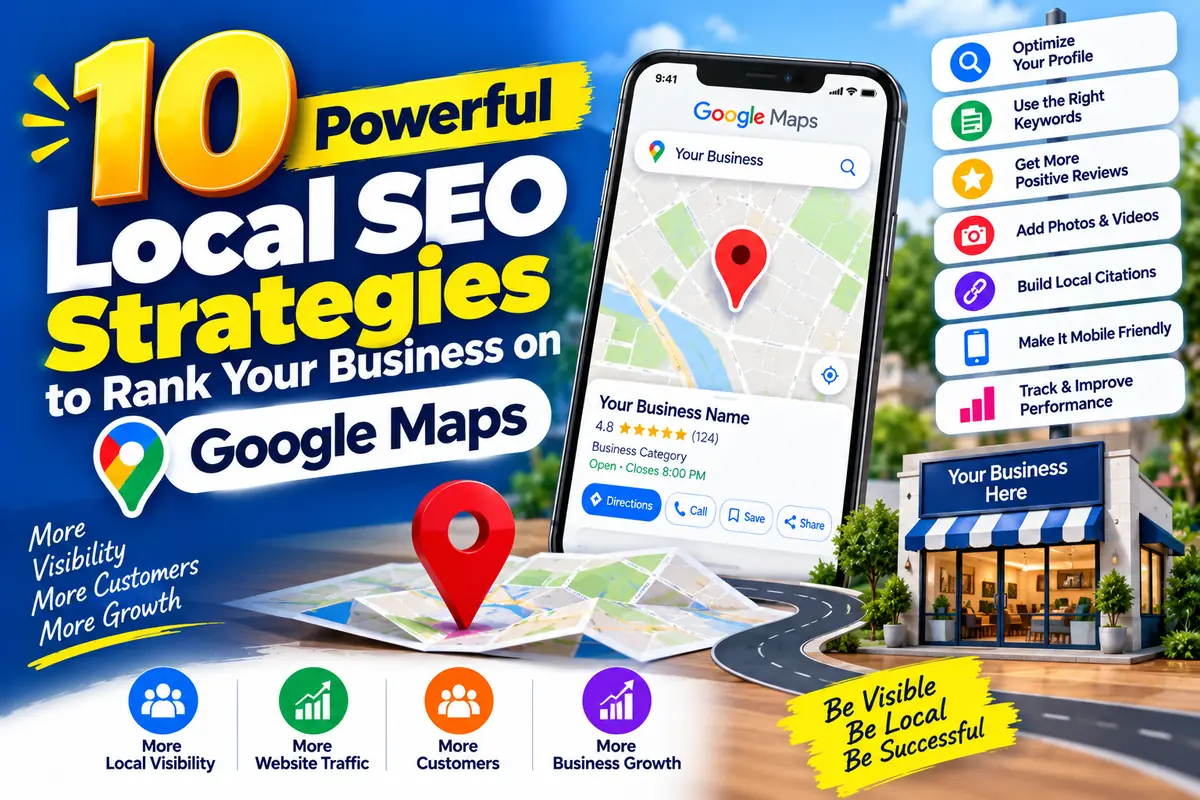
When someone in Salem searches for a clinic, a salon or a hardware shop, the first thing they usually see is a map with a few businesses. A Google Business Profile decides whether yours shows up with the right details or looks neglected. Most profiles we see need the same small fixes.
Check that the basics are correct
Name, address, phone number and opening hours must match what customers will find at your shop. Wrong hours are the quickest way to lose a customer, especially on festival days. Update special hours when they change.
Choose the right main category
Your main category affects the searches you can appear for. Pick the one that describes your core business, then add secondary categories for other services. Do not add categories you do not really offer.
Want a second opinion for your own business? Talk to our Google Business Profile optimisation in Salem team.
Add real photos
Photos of the shop front, the inside, your team and your work help customers decide to visit. Use recent photos taken on a phone in good light. Avoid stock images.
List your services and products
Fill in the services section with plain descriptions. If you sell products, add the main ones with prices where possible. This helps customers see what you offer before they call.
Ask for reviews and reply to them
Reviews matter to both customers and search. Ask happy customers politely to share their experience, and reply to every review, including the poor ones. A calm, helpful reply to a complaint often earns more trust than ten good reviews.
Post updates
Share offers, new arrivals and events as posts. They do not need to be fancy. A short update with a photo is enough.
Turn on calls and messages
Make sure customers can call you directly from the profile, and answer promptly. If you enable messages, reply during working hours.
Be patient
A profile does not change rankings overnight, and no one can promise a top position. Steady updates and good reviews build over time.
Why local profiles matter so much
When someone in Salem searches for a service near them, Google often shows a small map with three businesses before anything else. Those three get most of the calls. Your profile is how you get into that group. It costs nothing to set up, and it works day and night. For many small shops, it brings more enquiries than a website does.
Choosing the right category
The primary category tells Google what you are. Pick the one that matches your main business, not a general one. A sweet shop should not choose a generic store category if a more specific one exists. You can add secondary categories for other services, but be honest. Wrong categories confuse customers and can cause problems later.
Photos that bring trust
Businesses with good photos get more clicks and calls. Add a clear picture of your shop front so people can find you. Add photos of the inside, your team, your products and your work. Use real photos taken on a phone in good light. Avoid stock images, because customers can tell the difference. Update the photos every few weeks.
Reviews and how to ask for them
Reviews are the strongest signal for a local business. Ask happy customers to leave a short review after a good experience. Share the review link on WhatsApp, which is easy for them. Do not offer money or gifts for reviews, and never write fake reviews, as Google may remove them and penalise your profile. Always reply to reviews politely, including the bad ones. A calm and helpful reply to a complaint can win more trust than ten five star ratings.
Posts, offers and updates
You can share updates, offers and events on your profile. A festival greeting, a new product or a seasonal offer keeps the profile active. Posting once or twice a week is enough. Keep the text short and add a clear photo.
Keep details correct
Check your phone number, address, opening hours and website. If you close early on a festival day, update the hours. Wrong information leads to missed customers and frustration. Add your service area if you visit customers.
Frequently asked questions
Is a Google Business Profile free?
Yes. Creating and managing it is free.
How long does verification take?
It can take a few days. Google may ask for a video or a postcard to confirm your location.
Can I have a profile without a shop?
If you serve customers at their location, you can set up a service area profile. The rules depend on your type of business, so follow Google's guidance.
A weekly five minute routine
Set aside five minutes each week to open your profile. Reply to new reviews, add one photo, check that your hours are right and post a short update. This small routine keeps the profile fresh and shows Google and customers that the business is active. Most shops that struggle with their profile simply forget about it after the first setup.
We help Salem businesses with Google Business Profile management as part of local SEO. To talk about your profile, contact us.